Scan & Shop
saw it on someone else?
find out where it’s from.
Find clothes from a picture or a screenshot. Looksi picks out each piece, shows you where to buy it, and finds close alternatives, often for less. Then you can see the whole look on you.
You send
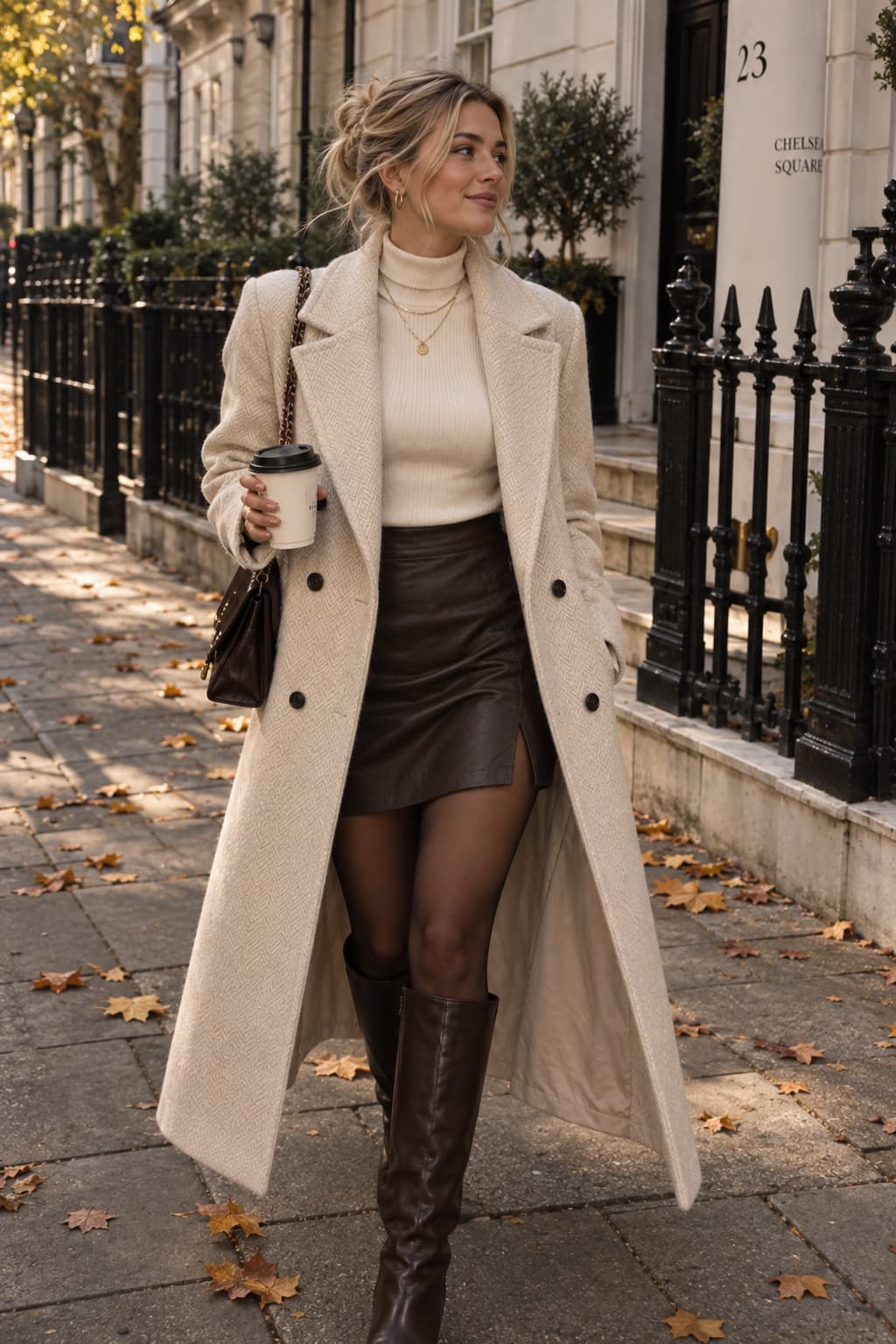
Looksi finds every piece
5 pieces, 62 matches
- Walmart$22Karen Millen$309Marissa Webb$715
- H&M$14.99Quince$24.90Nordstrom$55.50
- Lizard Thicket$15Kohl’s$34.19Target$34.99
- Famous Footwear$45.98Nordstrom Rack$99.97Steve Madden$159.95
- ALDO$54.98Charles & Keith$119Coach$350
Then on you
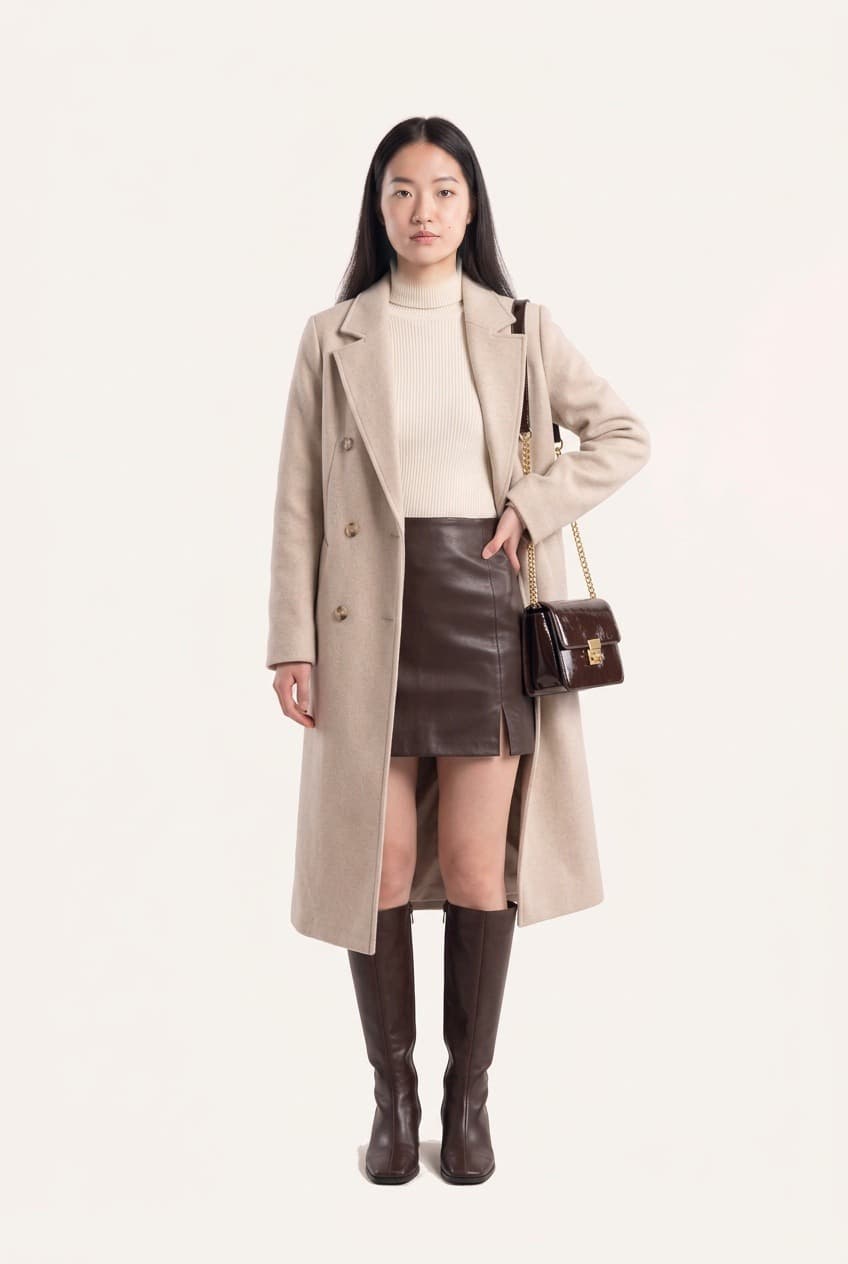
a picture in, a shopping list out.
Three steps. The last one is you, wearing it.
send the picture
A screenshot, a photo you took, a still from a show. It doesn’t need to be a product page.
see what’s in it
Looksi splits the outfit into pieces and searches for each one, so the coat, the boots and the bag each get their own search. Close alternatives come back too, usually at a few different prices.
put it on yourself
Try any of it on your own photo before you spend anything, one piece or the whole look, without leaving the app.
it works on anything you can see.
Most of the clothes you want aren’t on a product page when you first see them. They’re in someone’s photo, on a screen, or walking past you. If you can get a picture of it, you can scan it.
a screenshot from your feed
The outfit that stopped you mid-scroll, with no caption and no tag.
a photo of a friend
You liked what she wore, and you’ve already asked her once.
someone you passed in the street
The coat you turned around for, snapped from across the street.
a still from a show or a film
Pause it, take a photo of the screen, and find out what they’re wearing.
a store window, after hours
Closed, in another country, or not in your size.
a page torn out of a magazine
The credits go out of date long before the clothes do.
Already on the product page? Paste the link into your wishlist and try it on from there. Some stores block links, and a screenshot works instead. More on getting started
Straight answer
what it cannot do.
It finds close matches, not guaranteed exact items. Sometimes it finds the piece itself. More often it finds things that look very like it, at a range of prices, which is often the more useful answer. It can’t promise something is in stock, or what it costs today. The store decides both, and they change all the time.
A bad photo gets a worse answer, so a small, blurry crop of half a sleeve will struggle. And the try-on after it shows you how something looks on you. It won’t tell you your size, and it can’t tell you whether something fits. More on accuracy
Then the other half
find it, then see it on you.
Knowing where it’s from is only half the answer. The half that decides whether you buy it is whether it suits you, and seeing it on someone else can’t tell you that.
So Looksi takes you the rest of the way. Add two photos once, and anything you scan can go straight onto you. Put it in an outfit with clothes you already own and see if the new piece works before you spend anything.
How the try-on worksscanning has its own allowance
Scans and try-ons come from separate allowances, so a big week of scanning never eats into your try-ons. Both have limits, neither is unlimited, and the numbers are in the FAQ.
what it costs
Scan & Shop comes with the subscription, not as an add-on. It’s on both plans, and both start with three days free. See the plans